Convert PDF POs to Shopify Draft Orders

By Maxime Lavoie2026-06-301 min read

Step-by-step guide to converting PDF and email purchase orders into Shopify draft orders automatically, without manual data entry.

Step-by-step guide to converting PDF and email purchase orders into Shopify draft orders automatically, without manual data entry.

The Challenge: PDFs Don't Plug Into Shopify

B2B customers send purchase orders in whatever format works for them, PDFs, Excel files, email attachments. These formats don't plug directly into Shopify, which means someone on your team has to open each one, read it, and manually enter the data into your store.

It's repetitive, error-prone, and completely unscalable as order volume grows.

‍

The Solution: Automated PDF Extraction

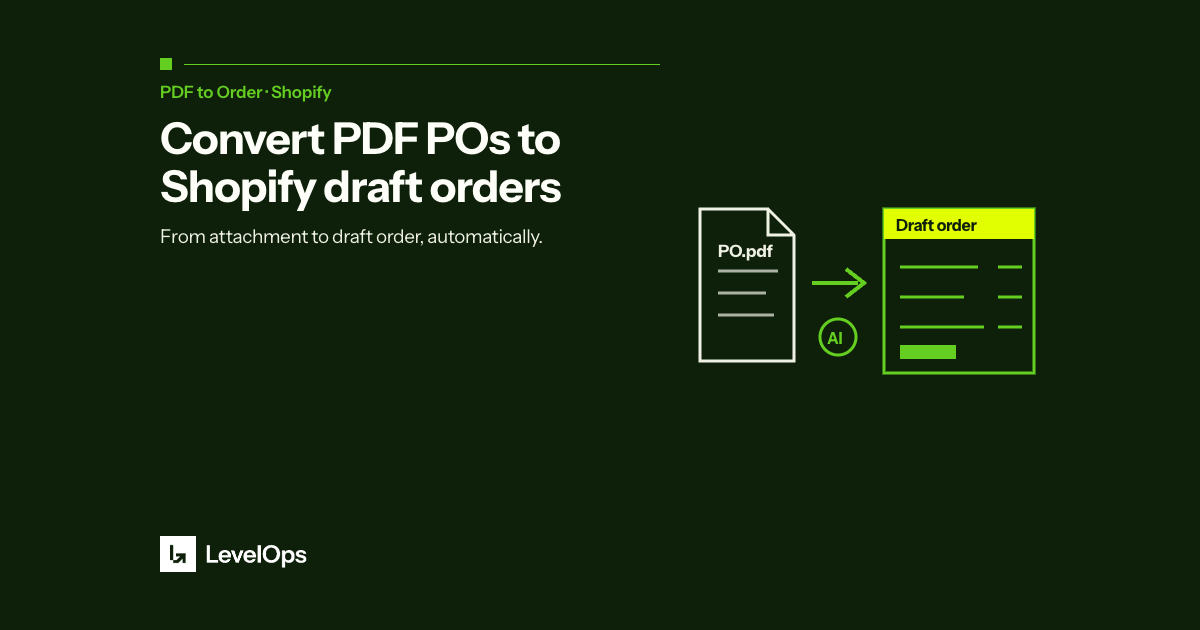
LevelOps PDF to Order uses AI to extract order information from any PDF or Excel file and automatically creates a Shopify draft order. The process takes seconds instead of minutes.

Key fields extracted include: customer name and contact, SKUs and product descriptions, quantities and unit pricing, shipping address and delivery notes, and PO number for reference.

‍

The Result

Merchants using PDF to Order report eliminating 50 to 100% of manual order entry time depending on order complexity, with accuracy rates above 99%. The app installs directly from the Shopify App Store with no configuration required, it learns your product catalog automatically.

For B2B and wholesale Shopify merchants, this is the fastest path from order received to order fulfilled.

Maxime Lavoie

Founder & CEO, LevelOps

Industrial engineer by training. Former Deloitte supply-chain consultant. Former VP Operations at Goodfood Market. Now writes the ERP, MRP and B2B order playbooks he wishes had existed in 2018.

Questions this article gets

Why does the order arrive as a Shopify draft order instead of a finished order?

Because a person still needs to check it. The draft carries the source file the order came from, so whoever approves it can compare each line against what the customer actually sent. Nothing is finalised automatically, which is what keeps a wrong line from reaching the warehouse.

Do our customers have to send their purchase orders in a set template?

No. There is no required template, so each account keeps using whatever layout it already sends. That matters because asking twenty wholesale accounts to change their paperwork is usually the reason an intake project stalls before it starts.

Does it only read PDF attachments?

PDFs are the common case, but plain text and HTML email bodies and spreadsheets are read as well. An order typed into the body of an email is handled the same way as one attached as a PDF.

How does the draft order end up with the right price for that customer?

Each line is matched against your Shopify catalog, then priced against the company and the price list that account is attached to. Shopify B2B contract pricing is applied for you rather than looked up by hand order by order.

Is this measurably more accurate than typing the orders in?

The error rate is 0.5% with LevelOps against 3% for manual entry, which is six times fewer. The cost side is why it matters: unwinding one erroneous order runs about $250 once you count the pick, the freight, the credit note and the call.

How long before we can run a real order through it?

Installing takes about two minutes. Catalogue sync then runs once, taking about two to five minutes depending on variant count, and the forwarding address is live as soon as it finishes. Processing time per order goes from about six minutes manually to about one minute.

Turn emailed orders into Shopify draft orders

Book a short demo with a real purchase order and we run it live on your own data.