Katana MRP is a cloud-based manufacturing resource planning (MRP) platform built for small and medium-sized manufacturers. Unlike legacy ERP systems that require months of configuration and six-figure implementation budgets, Katana is designed to go live in weeks, with a UI that operations teams actually want to use.
Katana covers the core needs of a manufacturing business: real-time inventory management, production order planning and tracking, bill of materials (BOM) management, purchasing, and integrations with Shopify, QuickBooks, Xero, and other business tools.
For manufacturers on Shopify, or planning to move to Shopify, Katana's native Shopify integration is a significant differentiator. Sales orders created in Shopify flow into Katana as manufacturing orders automatically, giving your production team real-time visibility into what needs to be made and when.
Katana is a strong fit if you:
- Manufacture products (make-to-order, make-to-stock, or assemble-to-order)
- Have 5 to 200 production staff
- Sell through Shopify, WooCommerce, or direct sales teams
- Currently manage production in spreadsheets or a legacy system
- Need real-time inventory across raw materials and finished goods
Katana is less suitable for complex process manufacturing (chemicals, food production with batch traceability requirements), businesses needing deep accounting integration, or companies with more than ~500 SKUs in active production.
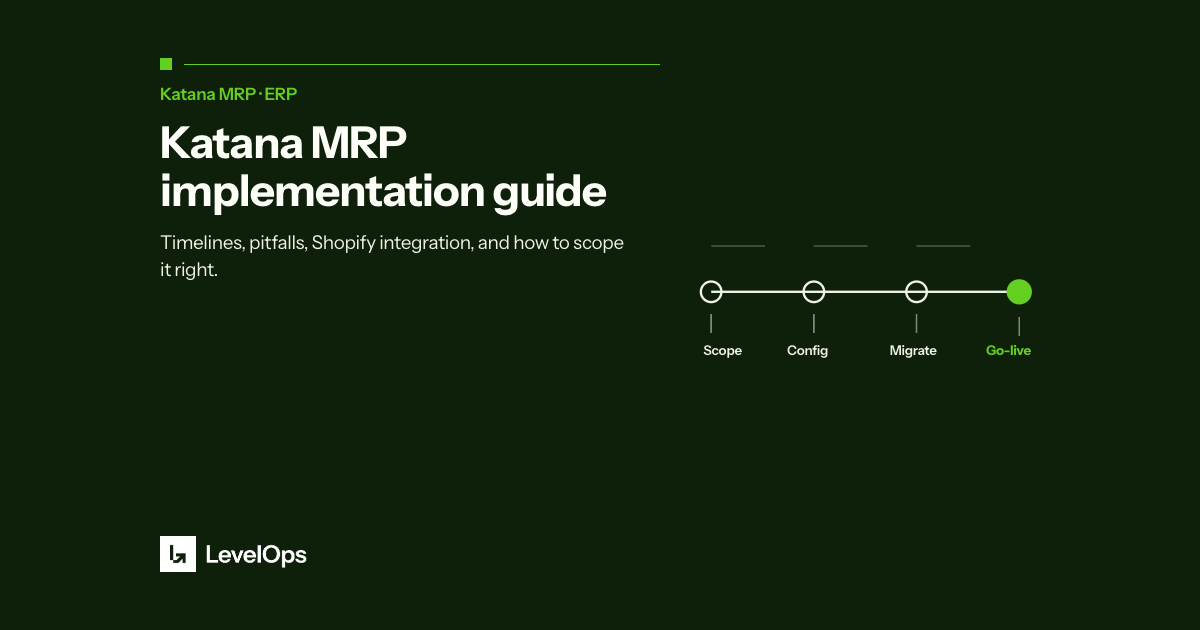
A typical Katana implementation with a certified partner like LevelOps takes 4 to 8 weeks, depending on complexity. Here's what that looks like:
The most important, and most underestimated, phase. This is where you document your products, BOMs, inventory locations, supplier list, and current workflows. Data quality at this stage determines how smooth the rest of the implementation goes. Common bottleneck: incomplete or inconsistent BOMs in spreadsheets.
Products, BOMs, suppliers, and opening inventory balances are loaded into Katana. Shopify integration is connected and tested. Reorder points and lead times are configured. Users are set up with appropriate access levels.
Your team learns the system through hands-on training on real orders. A parallel run (processing orders in both the old and new system) catches gaps before full cutover. This phase is where most implementation issues surface and get resolved.
Full cutover to Katana. A good implementation partner stays close during the first 2 to 4 weeks of live operation to handle edge cases, answer questions, and make configuration adjustments based on real usage.
Having implemented Katana for manufacturers across food & beverage, industrial equipment, and health & supplements, here are the mistakes we see most often:
Katana's power comes from accurate BOMs. If your BOM data is incomplete or living in people's heads, the implementation will stall. Invest time upfront to document every product's components before migration begins.
Most businesses discover that their product catalog is messier than expected, duplicate SKUs, inconsistent naming, missing units of measure. Plan for 2 to 3 weeks of data cleanup for a catalog of 50 to 200 active SKUs.
Going straight from configuration to live is tempting when you're eager to get off spreadsheets. Resist it. A 2-week parallel run prevents the kind of inventory discrepancies that erode team trust in the new system.
The Shopify-Katana sync is powerful, but it requires careful configuration: which orders sync, how bundles are handled, how backorders flow. A misconfigured integration creates duplicate work instead of eliminating it.
LevelOps is a certified Katana MRP partner. Here's what that means in practice:
- We've done this before, we know where implementations get stuck and how to prevent it
- We can accelerate the data migration and configuration work that takes internal teams weeks
- We train your team on real workflows, not generic software demos
- We stay engaged post-launch to optimize the setup as your team starts using it for real
Most of our Katana clients go live in 4 to 6 weeks. Self-implemented projects without a partner average 3 to 6 months, with a higher failure rate.
Book a free consultation with the LevelOps team at Katana MRP Implementation. We'll review your current setup, scope the implementation, and give you a realistic timeline and cost estimate, no pressure, no fluff.