Why Katana + Shopify Is the Go-To Stack for Manufacturers
If you manufacture products and sell through Shopify, you've probably run into the same wall: Shopify is excellent at selling, but it wasn't built to manage production. You need to track raw materials, manage work orders, schedule production runs, and ensure your inventory numbers reflect what's actually happening on the shop floor, not just what's been shipped.
Katana MRP fills exactly that gap. It's a manufacturing resource planning (MRP) system built specifically for small and mid-size manufacturers, with a native Shopify integration that keeps your sales and production data in sync in real time.
This guide covers how the integration works, what it solves, and what a proper implementation looks like.
What Katana MRP Does
Katana is a cloud-based MRP system designed for manufacturers who have outgrown spreadsheets but don't need (or can't afford) a full ERP like SAP or NetSuite. Its core capabilities include real-time inventory management across raw materials, components, and finished goods; production planning with visual scheduling of manufacturing orders; bill of materials (BOM) management for multi-level product recipes; purchase order management to reorder raw materials based on demand; and sales order management synced directly with Shopify.
For a Shopify merchant who manufactures their own products, food and beverage, health supplements, industrial components, cosmetics, Katana is often the right next step after the business reaches a level of complexity that Excel or basic inventory apps can no longer handle.
How the Shopify Integration Works
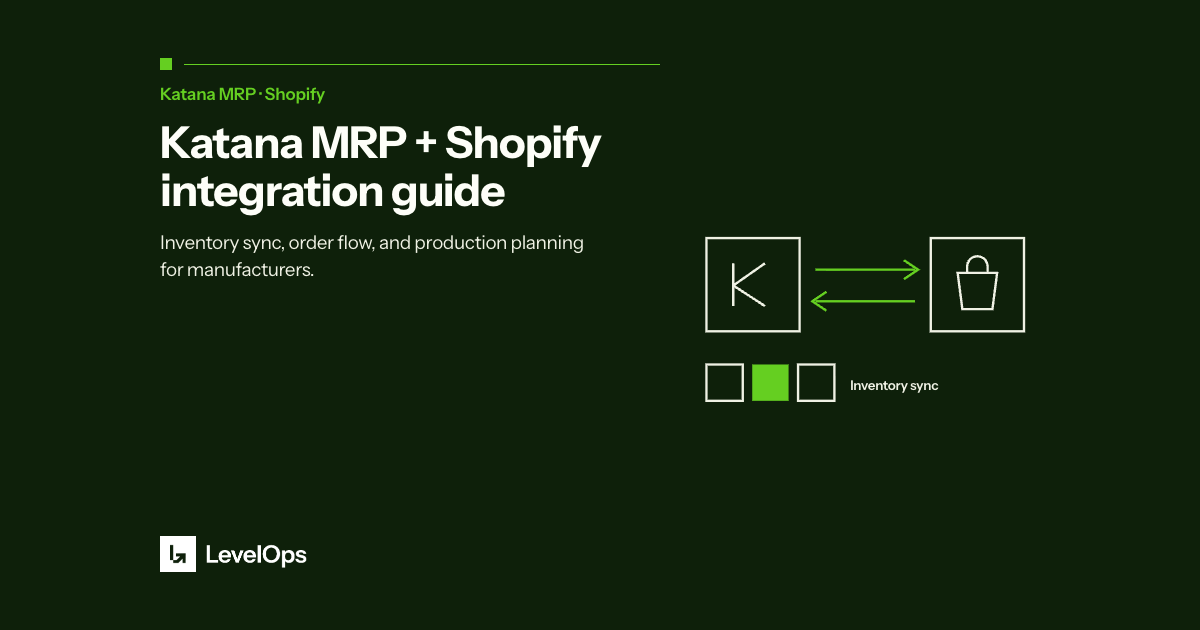
The Katana-Shopify integration is native and bi-directional. Here's what it does automatically:
Shopify orders sync to Katana. When a sales order is placed in Shopify (B2C or B2B), it appears in Katana as a sales order. This triggers Katana's demand visibility, you can see what needs to be built or picked to fulfill each order.
Inventory levels sync back to Shopify. When inventory is consumed in production or fulfilled in Katana, those changes update your Shopify stock levels automatically. No manual inventory updates. No overselling.
Product catalog stays in sync. Products and variants created in Shopify are available in Katana. Product changes flow between the systems without double-entry.
The result is a single source of truth across your storefront and your manufacturing operation, without the complexity or cost of enterprise ERP.
What It Doesn't Replace
Katana MRP is not a full ERP system. It doesn't handle accounts payable or receivable, general ledger, payroll, or financial reporting in the way that Odoo or Business Central do. For most manufacturers under $10M in revenue, this is fine, Katana handles operations, and QuickBooks or Xero handles finances.
If you're processing a high volume of inbound B2B purchase orders from wholesale customers, Katana also doesn't solve the order intake problem. That's where a tool like PDF to Order comes in, it reads PDF and email purchase orders from your wholesale customers and creates the corresponding sales orders in Shopify, which then sync automatically to Katana for production planning.
What a Real Implementation Looks Like
Most manufacturers go through a similar journey when implementing Katana. The process typically takes 4 to 8 weeks and involves five phases.
Phase 1: Product and BOM setup. Every finished good needs a bill of materials, the list of raw materials and components required to produce one unit. Getting this right is the foundation of everything else in Katana. This phase is often where the most time is spent, especially for companies with large, complex product catalogs.
Phase 2: Inventory opening counts. Katana needs to know what's actually on hand, raw materials, WIP, and finished goods. This typically requires a physical inventory count, which is a good time to find discrepancies between your actual inventory and whatever your previous system was showing.
Phase 3: Shopify integration and testing. Connecting Shopify is straightforward, but testing the sync thoroughly is important, especially for variant mapping, bundle products, and any products that exist in one system but not the other.
Phase 4: Team training and SOPs. Katana changes how your team processes orders, manages production, and handles purchasing. Training needs to be hands-on, and standard operating procedures need to be updated to reflect the new workflow.
Phase 5: Go-live and first-month support. The first 30 days in production always surface edge cases, unusual order types, supplier pricing changes, product variants that weren't mapped correctly. Having implementation support available during this period makes the difference between a smooth go-live and a frustrating one.
Common Mistakes in Katana Implementations
The most common issue is going live with an incomplete BOM. If your bill of materials is wrong, your production costs, inventory consumption, and reorder signals will all be wrong. Take the time to get this right before go-live.
The second most common issue is not cleaning up the product catalog before migrating. Duplicate products, discontinued variants, and inconsistent naming in Shopify will create mapping problems in Katana. A pre-migration cleanup saves significant time.
Third: underestimating the change management component. Katana changes daily habits for production managers, purchasing coordinators, and operations leads. Plan for training, not just software setup.
Is Katana Right for Your Business?
Katana is a strong fit if you manufacture your own products, sell through Shopify, and have outgrown spreadsheets for production planning and inventory management. It's particularly well-suited for food and beverage manufacturers, health and supplement brands, industrial component manufacturers, and cosmetics and beauty brands.
It may not be the right fit if you need full accounting and financial management in one system (consider Odoo), if you have highly complex multi-level BOM structures with hundreds of sub-assemblies (consider Business Central), or if you don't manufacture, you resell finished goods (consider a simpler inventory management app).
Working with a Certified Katana Partner
LevelOps is a certified Katana implementation partner. We've led implementations for manufacturers across food and beverage, industrial equipment, health supplements, and specialty goods, companies using Shopify as their primary sales channel.
Our implementation process is designed to get you from zero to go-live in 4 to 6 weeks, with clean BOMs, a tested Shopify integration, trained team members, and documented SOPs.
If you're evaluating Katana or you've already purchased it and need help with the setup, book a free 30-minute call and we'll assess whether your operation is a good fit and map out what the implementation would look like for your business.