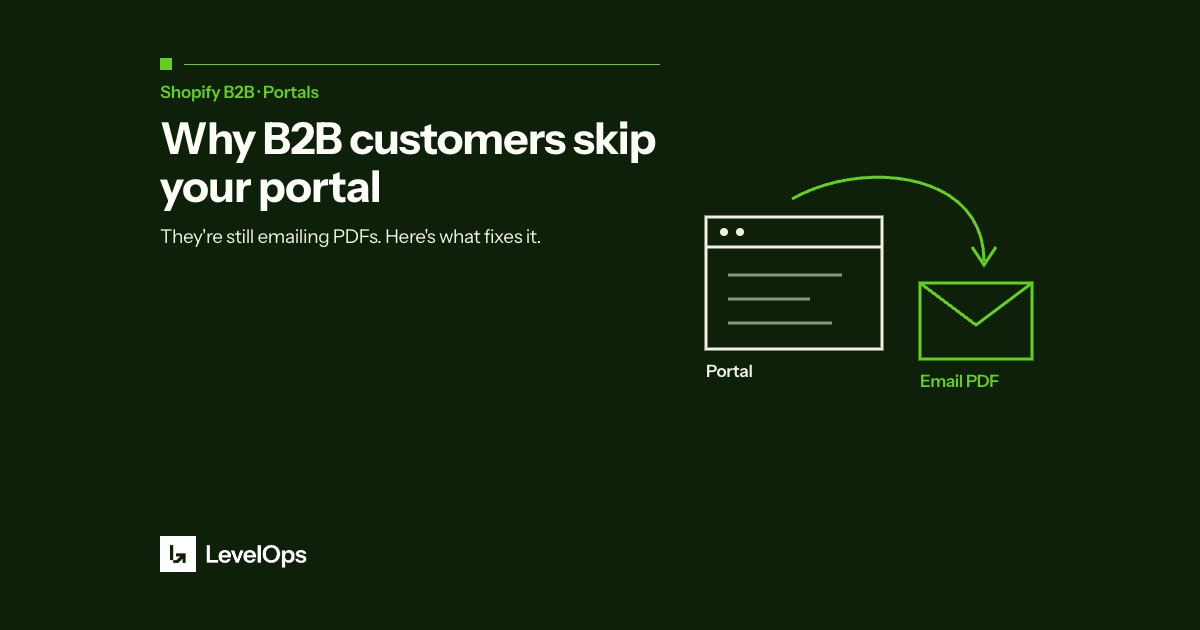
You built the portal. You did the onboarding. You sent the instructions.
And 80% of your wholesale customers are still emailing you their orders.
If that sounds familiar, you're not alone, and it's not your fault. The problem isn't your Shopify setup. It's a fundamental mismatch between how B2B buyers actually operate and what a self-serve portal asks them to do.
Here's what's really going on, and what actually fixes it.
The Promise of the B2B Buyer Portal
When Shopify launched its native B2B features for Plus merchants, the pitch was compelling: give your wholesale buyers a dedicated storefront, custom pricing, net payment terms, and a clean ordering experience, all without leaving Shopify.
For merchants, the appeal is obvious. Orders come in clean, pre-formatted, directly into your system. No manual entry. No PDF attachments. No back-and-forth.
In theory, it works perfectly. In practice, most merchants discover the same thing within a few months of going live: their customers aren't using it.
Why B2B Buyers Don't Change Their Behavior
A Shopify partner we work with put it bluntly after migrating a large wholesale apparel brand to Shopify B2B: there's no amount of enablement or onboarding that would convince them.
After a clean migration, solid onboarding, and a well-built buyer portal, 90% of that brand's wholesale customers were still calling in orders the same way they always had. Not because Shopify's portal was hard to use. Because the buyer didn't see a reason to change.
Here's the thing that gets missed in most B2B commerce conversations: your wholesale buyer is not your end customer. They're a procurement manager, a purchasing coordinator, or a business owner, and they have their own system, their own process, and their own approval workflow.
When they need to place an order with you, here's what actually happens on their side:
They create a purchase order in their ERP or accounting software. That PO gets approved internally. They send it to you, by email, as a PDF.
That purchase order is not just a list of items. It's a documented commitment that flows through their internal financial system. Asking them to log into your Shopify portal and re-enter that order manually creates work for them with zero benefit to them.
Your portal is optimized for your workflow. Their PO is optimized for theirs.
The Real Problem Isn't the PO. It's What Happens to It.
The purchase order as a format isn't going away. It's been the language of B2B commerce for decades, and it's deeply embedded in how wholesale buyers manage their supply chain.
The problem was never that your customers send PDFs. The problem is what happens on your side when they do: someone opens the email, reads the PDF, finds the SKUs in Shopify, types in the quantities, checks the pricing, and creates the order manually.
For a merchant processing 30 to 100 B2B purchase orders a week, that's easily 10 to 20 hours of manual data entry. Every single week. Work that creates no value, just moves information from one document to another.
That's the actual bottleneck. And it's entirely on your side.
What Actually Solves This
The question isn't how to get your customers to use your portal. The question is: what do you do with the PO when it lands in your inbox?
If you automate that step, the intake, the reading, the validation, the order creation, your customers never have to change a thing. They keep sending PDFs. You stop manually entering them.
That's exactly what PDF to Order does. Here's the workflow:
PO arrives by email. Your wholesale buyer sends their purchase order the way they always have, by email, as a PDF attachment, an Excel file, or plain text in the email body. No change to their process.
The app reads and validates it. PDF to Order reads the document, identifies the products and quantities, and cross-references them against your Shopify product catalog. If a SKU doesn't match, the app flags it for review.
A Shopify draft order is created automatically. Within seconds, a draft order appears in Shopify with the correct customer, products, quantities, and pricing. Your ops team gets a notification.
Your team reviews and confirms. The review takes seconds, not minutes, because the data is already entered. One click to confirm, and the order is live.
No custom code. No API integration project. No new system for your customers, or your team, to learn. It runs natively inside Shopify and installs in under 5 minutes.
Who This Is Built For
PDF to Order works best when you receive B2B purchase orders by email (PDF, Excel, or plain text), you're processing more than 5 to 10 B2B orders per week, and your wholesale customers are not going to use a buyer portal.
It may not be the right fit if all your B2B orders already come through EDI, or if you have fewer than 5 orders per week, at that volume, manual entry is manageable.
The Takeaway
The buyer portal isn't the wrong solution. It's just the right solution to the wrong problem.
If you have wholesale customers who are tech-forward and willing to adopt a new ordering process, a Shopify B2B portal is a great tool. But if your customers are sending PDFs and they're not going to stop, the better investment is automating what happens on your end, not trying to change behavior on theirs.
Your customers keep working the way they work. You stop spending hours on data entry. That's practical automation. Not the hype version.
Ready to stop manually entering purchase orders? Install PDF to Order free on the Shopify App Store →
Have a complex setup? Book a free readiness call with our team →